
Nano Kit is a set of small libraries built on one signals core: stores, a router, data fetching, i18n and SSR, with adapters for React, Preact and Svelte. Version 2.0 is out, and its main feature is the one I missed most while building apps with it: a DevTools panel that shows what your signals are doing.
The quickest way to see it is the weather example on StackBlitz. Wait for it to start, type a city and press Alt+Shift+D (⌥⇧D on a Mac).
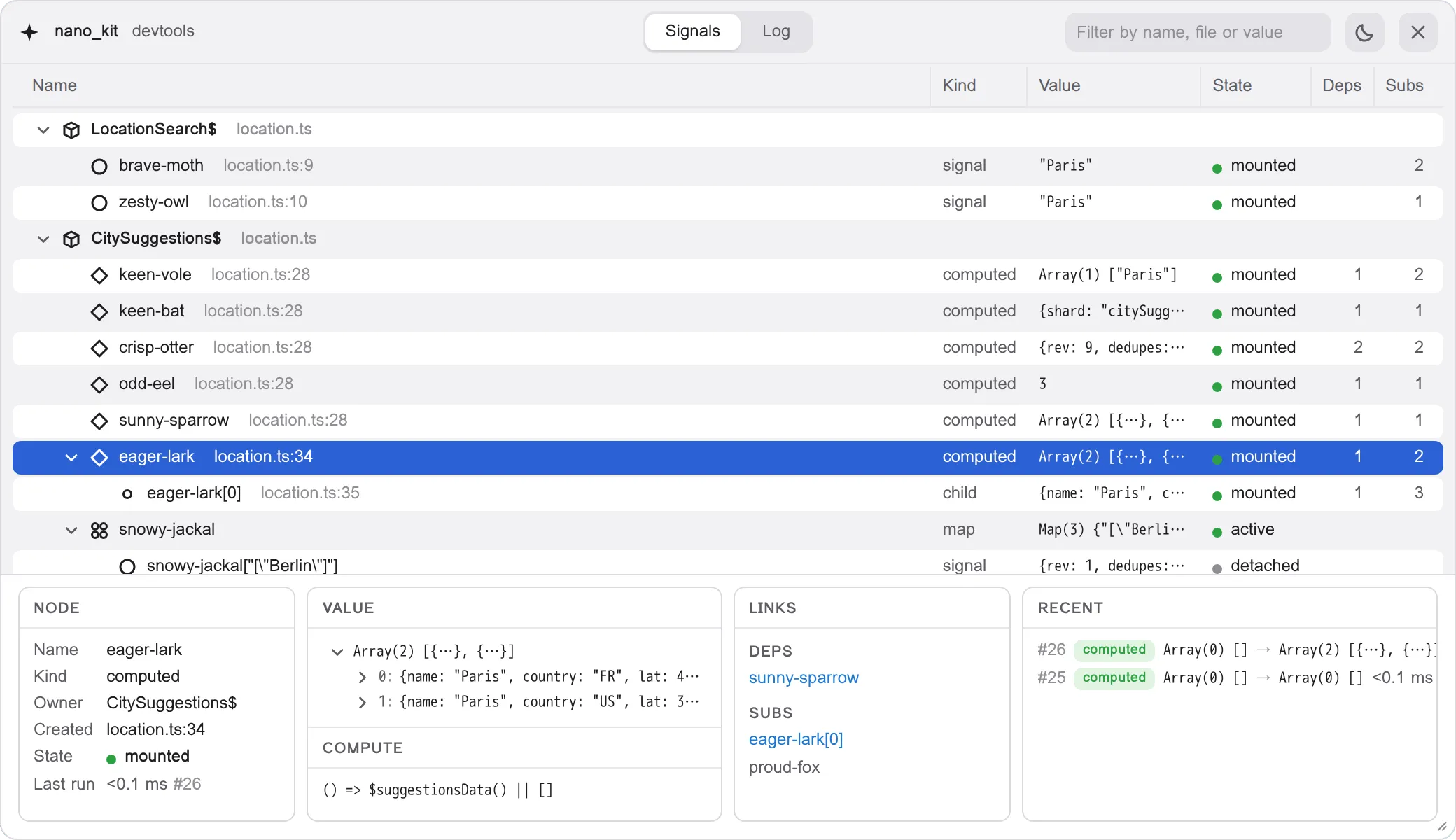
What the panel shows
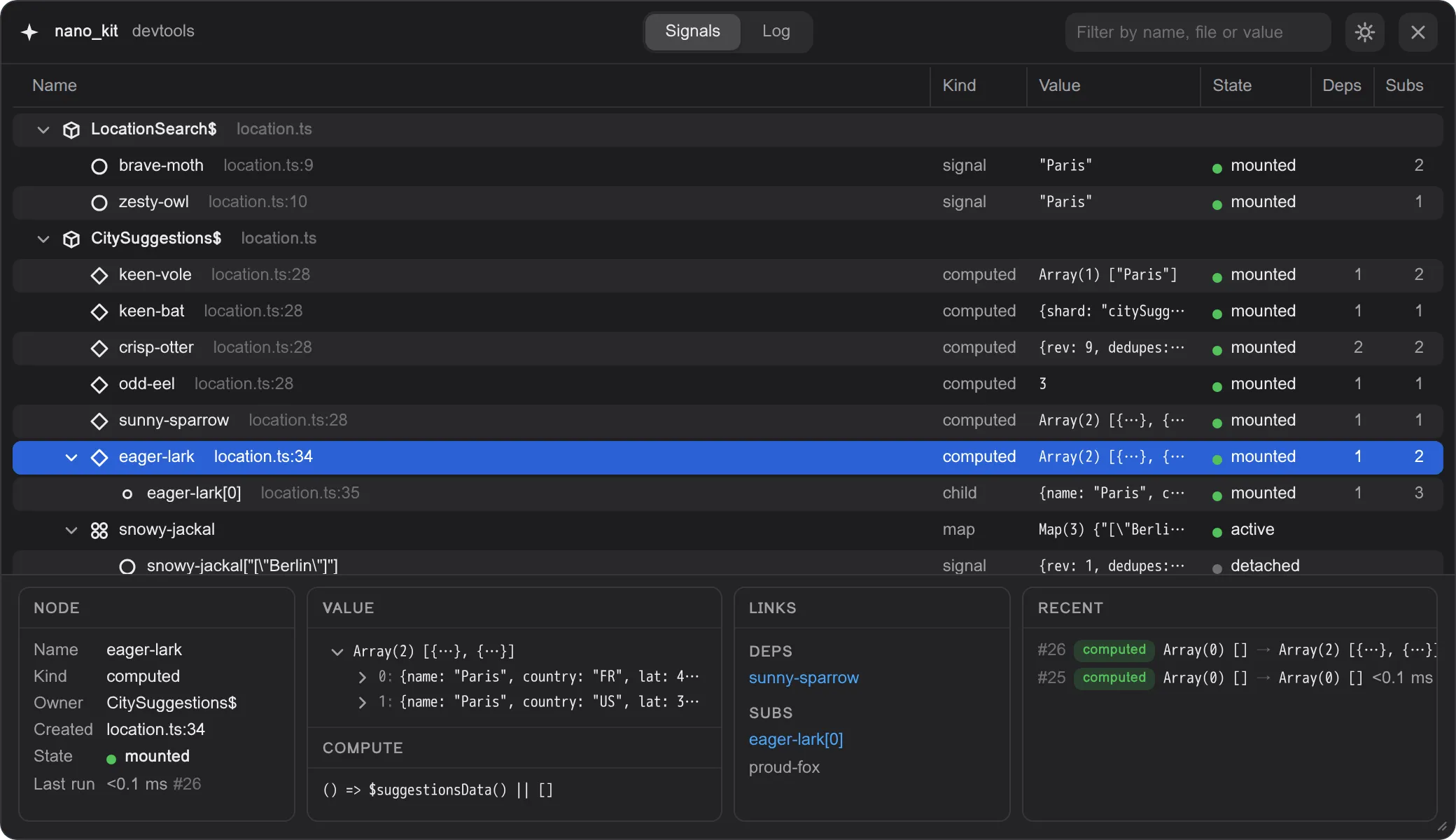
Signals. Every signal and computed in the app, grouped by the store, component or file that created it, with its kind, value and state. A signal doesn’t know the name of the variable you assigned it to, so the panel gives each one a short memorable name like brave-moth, next to the file and line where it was created. Your stores need no changes for this: there’s nothing to register and nothing to wrap.
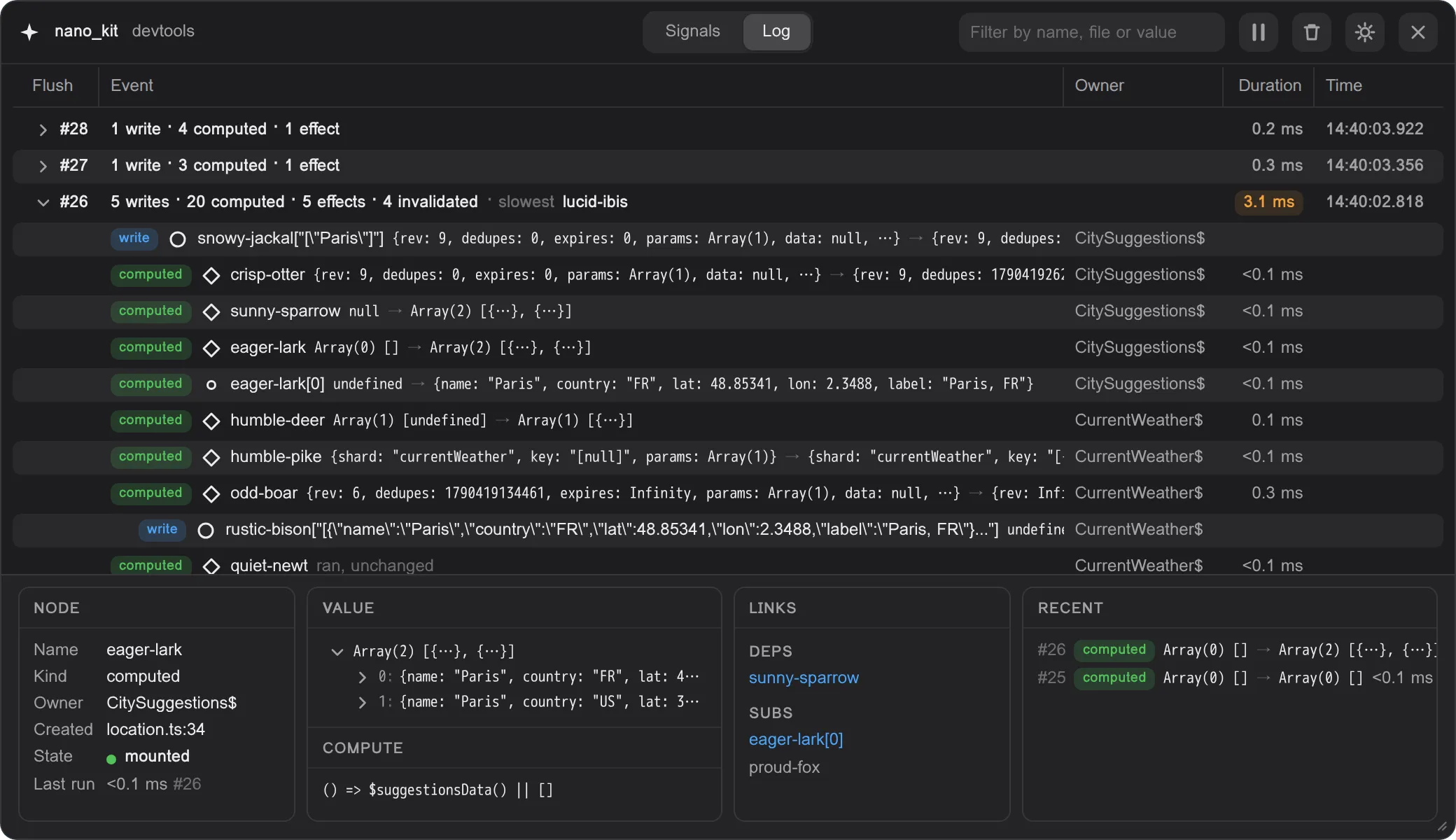
Log. Every transaction as one row: the writes that started it and everything they caused, computeds and effects, with the time each took. The slowest run is called out, so a heavy computed is easy to spot.
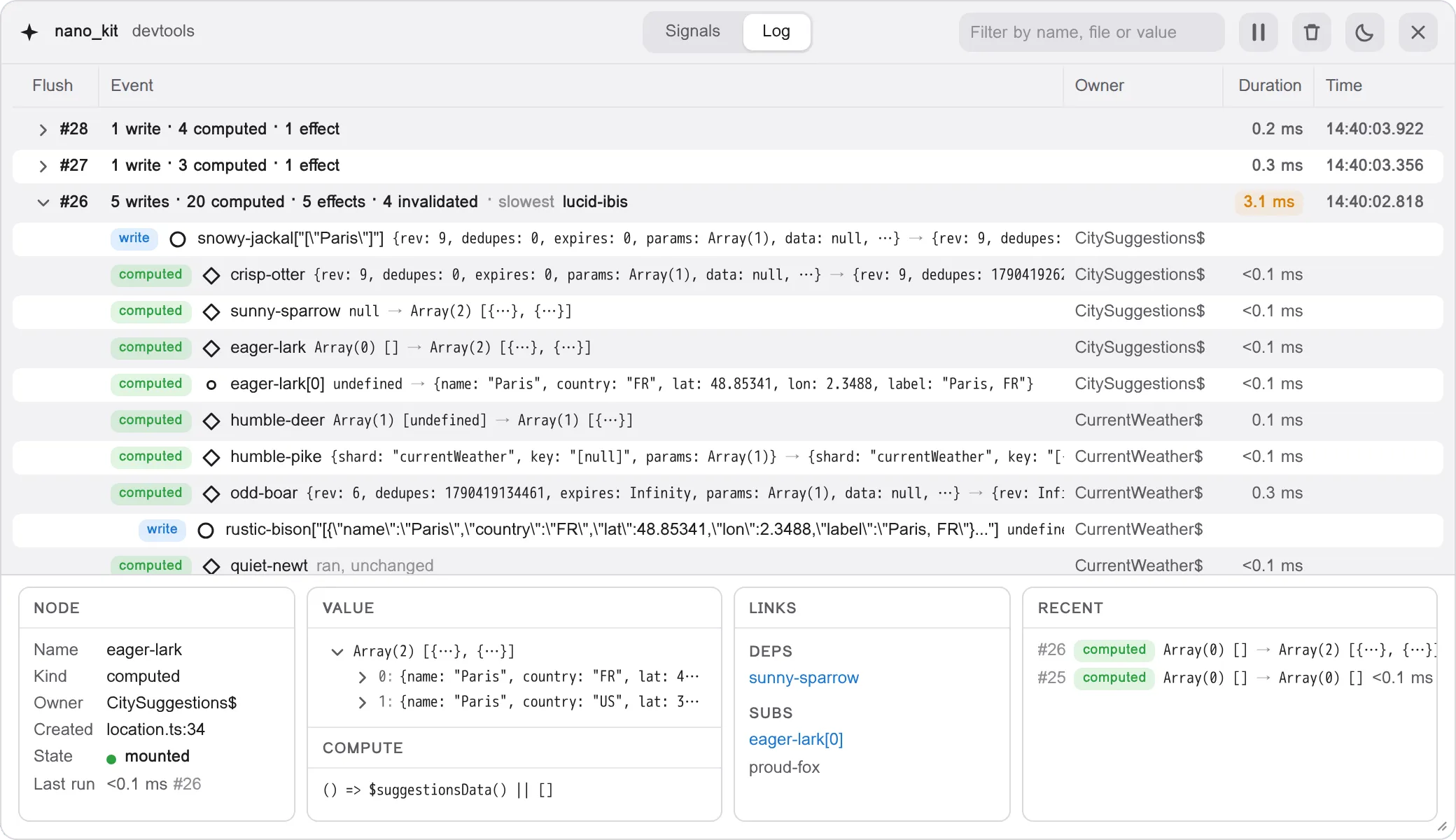
Inspector. Pick any node to see its value as a tree you can expand, the code of a computed, what it reads, what reads it, and its recent history.
You can filter everything by name, file or value, and pause the log when the app gets chatty. It works the same whichever adapter renders your app: React, Preact or Svelte.
What it costs
Nothing in production. Install @nano_kit/devtools as a dev dependency and call it once, behind your bundler’s development flag:
import { devtools } from '@nano_kit/devtools'
if (import.meta.env.DEV) {  devtools()}
Import this file first in your entry point, so the stores created by the modules after it are named from the start:
import './devtools'import { App } from './App'In a production build the condition is false, and the call goes away together with the whole package. The core packages work the same way: they ship a development build and a production build, and only the development build reports to the panel. Vite picks the right one by itself, so your production bundle doesn’t carry the hooks either.
There’s no browser extension to install and no bundler plugin to configure. The panel lives on your page, isolated from your styles, and a strict Content Security Policy doesn’t block it.
Also in 2.0
- Development warnings. In development, the packages warn about common mistakes: a route parameter missing from a path, a message missing for the current locale, a value the client tries to hydrate that the server never sent.
- Tasks on signals. SSR and tests wait only for the data they need, not for every request in flight.
- Smarter dependency injection. Nested contexts share stores unless they override something those stores depend on, and the new
provideAsswaps an implementation, like a mock API in tests. SignalsMapclass. The reactive map now has the familiarMapAPI.- Operators.
pick,textandlatestare new, and an operator with static operands returns a plain value. - intl.
relativetime()picks the unit by itself, from “5 minutes ago” to “yesterday”, andformat()messages accept signals. - Preact 11 and SvelteKit 3 are supported.
Version 2.0 has breaking changes. The release notes have an Upgrading from 1.x section with the usual edits, followed by the full list.
Try it
- 🛠️ DevTools: install the panel and open it with Alt+Shift+D
- ⚡ Weather example on StackBlitz: the panel is already wired in
- 📚 Documentation: start with the introduction, or see how Nano Kit compares with Zustand, Jotai, TanStack Query and Nano Stores
- ⭐ GitHub: stars appreciated